Table of Contents
Interactive map resources provide a dynamic way to engage primary students in geography lessons. They offer a fresh approach to exploring our world, making abstract concepts tangible for young learners. Research shows that interactive maps create a more enjoyable learning environment than traditional paper maps. They also help pupils better grasp geographical concepts.
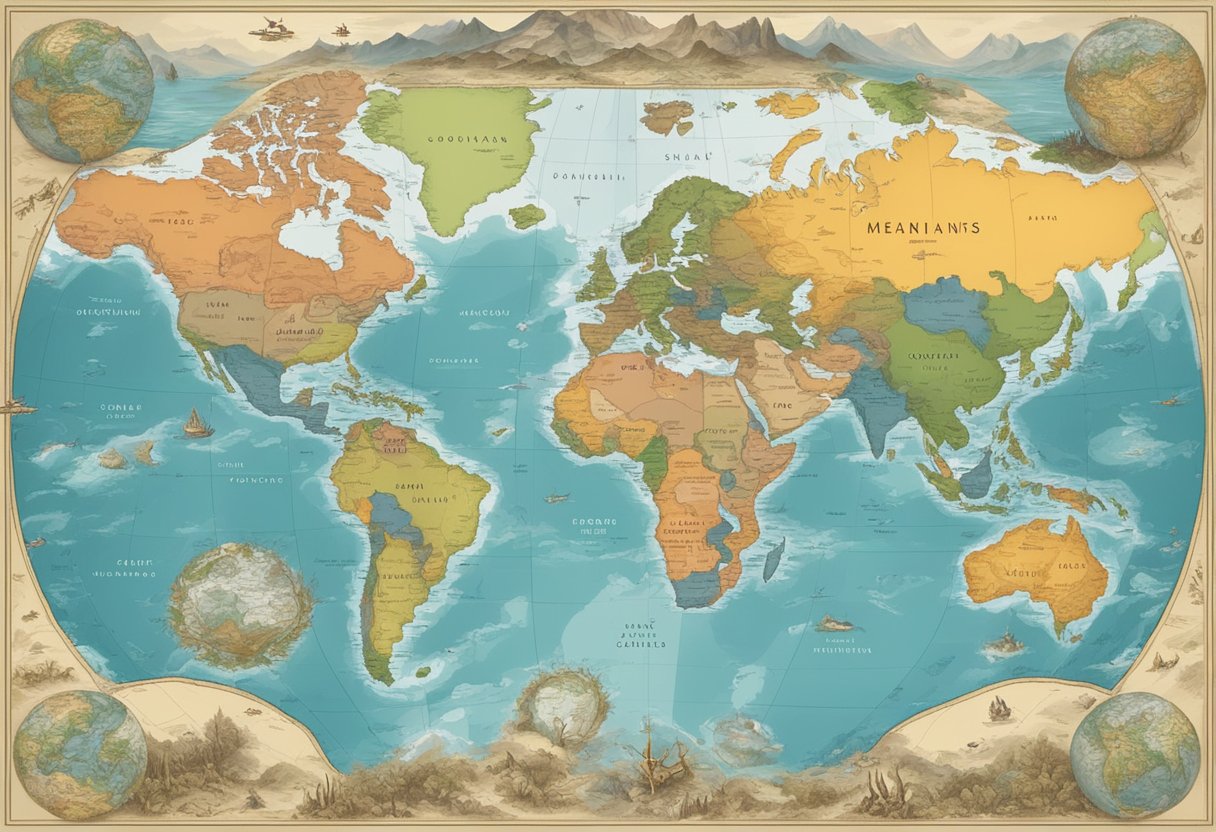
“As an educator with over 16 years of classroom experience, I’ve seen children’s eyes light up when they can manipulate digital maps rather than just stare at static images,” explains Michelle Connolly, founder of LearningMole and educational consultant. “These tools transform passive observers into active explorers.”
When you incorporate interactive mapping tools in your classroom, you enable pupils to zoom in on locations, toggle between different data layers, and visualise geographical relationships in ways that standard atlases cannot offer.
This hands-on approach helps children develop spatial awareness and critical thinking skills while making geography lessons more memorable and engaging.
Importance of Interactive Maps in Geography Education
Interactive maps have transformed how students learn geography, making it more engaging and effective. These digital tools offer significant advantages over traditional paper maps by allowing pupils to explore geographical concepts in dynamic and hands-on ways.
Engaging Young Learners
Interactive maps capture children’s attention through colourful visuals and responsive features. When you incorporate these tools in your classroom, you’ll notice students become active participants rather than passive observers.
“As an educator with over 16 years of classroom experience, I’ve seen even the most reluctant learners become fascinated when they can manipulate digital maps themselves,” explains Michelle Connolly, founder and educational consultant.
These maps allow pupils to zoom in on areas of interest, toggle between different data layers, and immediately see the effects of their interactions. This level of engagement is particularly valuable for primary geography education, where maintaining interest is crucial.
Interactive maps also accommodate different learning styles. Visual learners benefit from the imagery, while kinaesthetic learners appreciate the hands-on manipulation of the maps.
Developing Map Skills
Interactive maps are powerful tools for building essential map skills that form the foundation of geographical understanding. These digital resources help you teach fundamental concepts more effectively:
- Grid references: Students can see coordinates update in real-time as they move their cursor
- Scale: Tools that measure distances instantly make scale concrete rather than abstract
- Direction: Digital compasses and orientation features reinforce cardinal directions
- Map symbols: Interactive legends allow pupils to toggle different symbols on and off
Research indicates that interactive maps offer modest learning benefits over traditional methods, particularly when teaching complex geographical concepts. They provide immediate feedback, allowing pupils to correct misconceptions quickly.
When teaching with interactive maps, you can gradually increase complexity. Start with simple navigation before introducing more advanced features like data overlays comparing population density or climate zones.
Exploring National Geographic’s Resources
National Geographic offers incredible tools for bringing geography to life in primary classrooms. Their resources combine stunning visuals with easy-to-use interfaces that make learning about our world engaging and interactive.
MapMaker Interactive
The MapMaker Interactive is one of National Geographic’s most valuable tools for primary geography teaching. This free online platform lets you and your students explore the world through customisable maps that can be tailored to suit different learning objectives.
With MapMaker Interactive, you can zoom in on specific regions, add various layers showing information like population density, climate zones, or wildlife habitats. The tool offers different basemaps including satellite imagery, street views, and terrain options.
“As an educator with over 16 years of classroom experience, I’ve found that children connect with geography concepts much more deeply when they can manipulate and explore maps themselves,” says Michelle Connolly, educational consultant and founder of LearningMole.
You can save and share maps with your class, making it perfect for both in-class activities and remote learning. The interface is simple enough for even young learners to navigate with minimal guidance.
Education Materials
National Geographic provides a wealth of geography education materials that complement their interactive maps. These resources are designed specifically with teachers in mind, offering ready-to-use lesson plans that align with curriculum standards.
Their collection includes:
- Photo galleries with discussion prompts
- Short educational videos
- Printable maps and activities
- Reading materials at various levels
What makes these resources special is how they connect geography to real-world issues like conservation, culture, and climate change—helping your pupils understand why geography matters.
The materials are organised by age group and topic, making it easy to find resources that match exactly what you’re teaching. Many activities encourage hands-on exploration, perfect for kinaesthetic learners in your classroom.
Utilising Google’s Mapping Tools
Google’s mapping tools offer powerful resources for primary geography education. These digital platforms allow pupils to explore the world from their classroom and develop essential geographical skills through interactive experiences.
Google Earth in the Classroom
Google Earth transforms geography lessons by bringing the world directly to your pupils. This interactive tool allows children to virtually visit places they’re studying, creating memorable learning experiences.
“As an educator with over 16 years of classroom experience, I’ve seen how Google Earth captivates children’s imagination and makes geographical concepts tangible,” says Michelle Connolly, founder and educational consultant.
You can use Google Earth to:
- Explore physical features like mountains, rivers, and coastlines
- Study human geography by examining settlements and land use
- Compare different regions and landscapes
- Create virtual field trips aligned with your curriculum
Despite some limitations with advanced mapping functions, Google Earth remains invaluable for primary geography. Consider having pupils create simple projects where they plot locations they’ve studied or create guided tours of significant places.
Creating Routes with Google Maps
Google Maps offers brilliant opportunities for pupils to develop mapping skills through practical activities. Unlike passive learning, creating routes engages children with real-world geography challenges.
Try these classroom activities:
- Plot the journey from school to local landmarks
- Design efficient routes between multiple locations
- Calculate distances and journey times
- Compare different travel methods (walking, cycling, driving)
You can integrate custom map layers to highlight specific geographical features relevant to your lesson objectives. This helps pupils focus on particular elements like elevation, population density, or land use.
For younger pupils, start with simple routes around familiar areas. Older children can tackle more complex mapping challenges, perhaps creating interactive thematic maps that display specific geographical data.
Understanding Latitude and Longitude
Navigating our planet requires a clear system of coordinates. Latitude and longitude form the foundation of map reading skills, allowing your pupils to locate any point on Earth with precision and confidence.
The Global Grid System
Latitude and longitude create an invisible grid that wraps around our entire planet. Think of latitude lines as horizontal rings that circle the Earth parallel to the equator. The equator sits at 0° latitude, while the North Pole is at 90° North and the South Pole at 90° South.
Longitude lines, also called meridians, run vertically from pole to pole. These lines measure east or west from the Prime Meridian (0°), which passes through Greenwich, London.
“As an educator with over 16 years of classroom experience, I’ve found that children grasp latitude and longitude more easily when we compare it to a simple grid system they’re familiar with—like finding squares on a chess board,” explains Michelle Connolly, educational consultant and founder of LearningMole.
When teaching these concepts, always introduce the compass rose alongside them. This directional tool helps pupils understand that longitude relates to east-west positions while latitude refers to north-south locations.
Practical Activities for Students
Transform abstract coordinates into engaging classroom experiences with these hands-on activities:
- Treasure Hunt: Hide objects around the school grounds and provide coordinates for pupils to find them using simple hand-drawn maps.
- Globe Toss: Use an inflatable globe with latitude and longitude lines clearly marked. When a pupil catches it, they must identify the coordinates where their right thumb lands.
- Coordinate Bingo: Create bingo cards with famous locations. Call out coordinates instead of the actual places and have pupils mark them on their cards.
Research shows that students often struggle with understanding these concepts without practical application. Using a scaffolded approach to teaching latitude and longitude significantly improves pupil comprehension.
Try pairing digital resources with physical activities. Online interactive maps where pupils can click to reveal coordinates complement traditional globe work brilliantly.
Mastering Map Creation with ESRI’s ArcGIS
ESRI’s ArcGIS offers powerful yet accessible tools that transform how primary geography is taught. Teachers can create interactive maps that engage young learners while building essential spatial thinking skills.
Story Maps for Interactive Narratives
Story Maps combine maps with narrative text, images, and multimedia content to create compelling geographic stories. This user-friendly platform allows you to develop interactive lessons without needing to master all aspects of GIS technology.
“As an educator with over 16 years of classroom experience, I’ve seen how Story Maps transform passive learners into active explorers. They create a sense of discovery that textbooks simply cannot match,” explains Michelle Connolly, founder of LearningMole and educational consultant.
You can create virtual field trips where pupils explore coastal erosion or urban development. The primary advantage of ESRI Story Maps is their ability to present information in layers, allowing children to digest complex geographical concepts at their own pace.
The platform’s intuitive design means your pupils can eventually create their own Story Maps. This allows them to demonstrate their understanding while developing digital literacy skills.
Utilising Geospatial Data
ArcGIS Online provides access to vast geospatial datasets that can enrich your geography lessons. You can incorporate real-time weather patterns, population statistics, or environmental data into your maps.
ESRI has developed resources specifically for education, with pre-made maps and lessons that align with curriculum requirements. These ready-to-use resources save preparation time while ensuring quality content.
Try these practical applications with your class:
- Compare historical and current maps to visualise changes in local land use
- Plot wildlife sightings to understand habitat distribution
- Map weather data to explore climate patterns
The web mapping services allow you to customise maps for specific learning objectives. For example, you might create simple maps for younger pupils focusing on basic location skills, then develop more complex analytical exercises for older children.
ArcGIS also supports fieldwork by allowing pupils to collect and display their own data, creating a meaningful connection between classroom learning and the real world.
Incorporating National and Local Landmarks
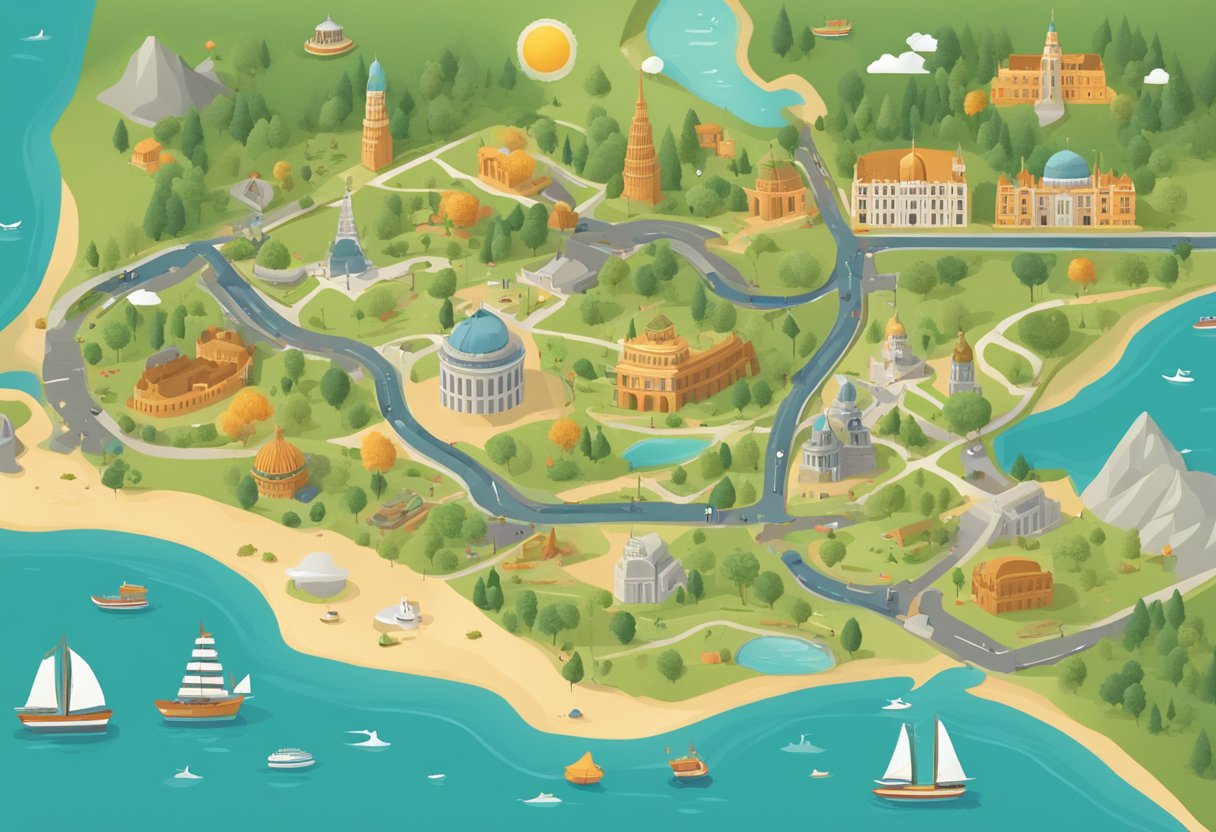
Landmarks provide powerful reference points for teaching geography to primary students. Using recognisable features helps children understand spatial relationships and develop map-reading skills whilst connecting classroom learning to the real world.
US Landmarks as Teaching Tools
When teaching map skills, iconic US landmarks serve as excellent anchoring points for geographical understanding. The Statue of Liberty, Mount Rushmore, and the Golden Gate Bridge are instantly recognisable features that help children locate places on maps.
“As an educator with over 16 years of classroom experience, I’ve found that children grasp mapping concepts more quickly when they can connect them to famous landmarks they’ve seen in books or on television,” notes Michelle Connolly, educational consultant and founder.
Try these interactive activities with US landmarks:
- Create a landmark scavenger hunt using digital maps
- Design symbol cards for famous landmarks to place on blank maps
- Use before and after photos of landmarks to discuss geographical changes
These activities help pupils understand map symbols and scale whilst building knowledge of significant locations.
Connecting with Local Geography
Local landmarks provide even stronger connections for young geographers. When children identify features from their own environment on maps, abstract mapping concepts become concrete and meaningful.
Start by asking pupils to identify landmarks near your school:
- Churches or places of worship
- Notable buildings or monuments
- Parks and natural features
- Transport hubs
Have your class create a marked-up map of the area surrounding your school, incorporating photos of local landmarks. This helps pupils understand how real places are represented through symbols.
Digital tools can enhance this learning. Try using tablets on a field trip to photograph local landmarks, then use these images to create an interactive digital map back in the classroom.
Creating Custom Maps with Open Source Tools
Open source mapping tools offer powerful ways to create custom maps for primary geography lessons. These tools allow you to design interactive, engaging resources that help pupils better understand spatial concepts and geographic relationships.
Using MapBox for Custom Visualisations
MapBox is a brilliant open source platform that allows you to create stunning custom maps for your classroom. You can start with basic templates and add your own data to create meaningful visualisations that relate directly to your curriculum.
To get started with MapBox, create a free account on their website. The platform offers a user-friendly interface that doesn’t require advanced technical skills. You can customise colours, labels, and features to highlight specific geographic elements relevant to your lessons.
“As an educator with over 16 years of classroom experience, I’ve found that custom maps created with tools like MapBox significantly increase pupil engagement with geography concepts,” says Michelle Connolly, educational consultant and founder of LearningMole.
What makes MapBox particularly valuable is its ability to integrate with HTML and CSS, allowing more tech-savvy teachers to create truly interactive elements. You can even share your projects via GitHub for collaboration with other educators.
Getting Creative with Scribble Maps
Scribble Maps offers a more accessible approach to custom map creation, perfect when you need something quickly. This web-based tool lets you and your pupils draw directly onto maps, adding markers, lines, shapes, and text with ease.
The intuitive drawing tools make it ideal for primary classrooms. You can highlight local areas, create treasure hunt maps, or mark historical sites relevant to your current topic. Pupils can work individually or collaboratively on mapping projects.
Try using Scribble Maps for these engaging activities:
- Creating neighbourhood maps showing routes to school
- Marking locations of different habitats in your local area
- Designing maps of imaginary lands based on books you’re reading
The free version offers plenty of functionality, while the premium options provide additional features like custom markers and advanced sharing options. Your maps can be saved, printed, or embedded into classroom presentations or websites.
Most importantly, Scribble Maps requires no coding knowledge, making it accessible for teachers and pupils of all technical abilities.
Measuring Distance and Calculating Scale
Understanding how to measure distance and calculate scale on maps helps children develop essential geographical and mathematical skills. These foundational mapping concepts enable pupils to interpret spatial relationships and understand the real-world implications of distances shown on maps.
Teaching the Maths of Mapping
When introducing scale to primary pupils, start with simple concepts using familiar objects. Have children measure the length of their classroom with both standard units (metres) and non-standard units (footsteps), helping them grasp the concept of relative measurement.
“As an educator with over 16 years of classroom experience, I’ve found that children understand scale best when they can physically experience it. Try having pupils measure the playground using different units, then compare results to demonstrate how scale works in practice,” explains Michelle Connolly, founder of LearningMole and educational consultant.
Use a scale line activity to reinforce understanding:
- Draw a 10cm line representing 100m in real life
- Ask pupils to calculate what 5cm would represent
- Challenge them to work out distances between landmarks on simple maps
Creating scaled-down maps of the classroom or playground makes the concept tangible. This hands-on approach helps pupils connect abstract mathematical concepts with physical space.
Using Tools to Visualise Distance
Interactive digital mapping tools offer engaging ways for pupils to explore distance and scale. Many online resources allow children to measure distances between locations and understand how the same area appears at different scales.
Introduce simple measuring tools like:
- String and rulers for curved routes
- Trundle wheels for playground measurements
- Online measurement tools on digital maps
Create a comparison chart showing the same journey at different scales. For example, a walk to the local park might be:
| Map Scale | Distance on Map | Actual Distance |
|---|---|---|
| 1:1000 | 5cm | 50m |
| 1:5000 | 1cm | 50m |
Encourage pupils to use scale to calculate distances between their home and school or other significant locations. This practical application helps them appreciate how maps represent our world.
When working with atlas maps, teach pupils to use the scale bar to estimate distances between cities or countries, making geography more meaningful and connected to mathematical skills.
Learning Directions with the Compass Rose
The compass rose is a key tool for helping primary school children understand directions on maps. It shows the four main directions (north, south, east, west) and sometimes the intermediate directions too.
Teaching young learners about directions using a compass rose helps them develop essential geographical skills. These skills form the foundation for map reading and spatial awareness as they grow older.
“As an educator with over 16 years of classroom experience, I’ve found that children grasp directional concepts best through interactive activities rather than passive learning,” explains Michelle Connolly, educational consultant and founder of LearningMole.
Simple Activities to Try
- Create a large compass rose on your classroom floor using coloured tape
- Call out directions and have pupils move accordingly
- Increase difficulty by using intermediate directions (northeast, southwest)
- Use world play mats and wall maps with clear compass roses
- Ask pupils to identify locations using directional language
- Example: “The library is east of the school”
Outdoor Orientation Challenge
- Take pupils outside with a simple compass
- Teach them how to find north using a magnetic compass
- Create simple treasure hunts using directional clues
Remember that the compass rose typically shows north at the top of the map. This convention helps children establish a consistent reference point when reading any map.
You can reinforce these concepts by incorporating directional language into your everyday teaching. For example, “Please put your books on the shelf to the east of the classroom.”
Professional Development in Geography Education
Teacher training in geography education has evolved significantly. Interactive map resources have become central to modern teaching methods. Professional development opportunities now focus on building technical skills with GIS (Geographic Information Systems) and interactive mapping tools that can transform classroom learning.
Advancing Skills Through Workshops
Professional development workshops offer valuable opportunities for geography teachers to enhance their interactive mapping skills. Research shows that teachers working in high-needs schools particularly benefit from dedicated GIS training programmes. These workshops typically span from one-day seminars to full two-week immersive experiences.
“As an educator with over 16 years of classroom experience, I’ve seen how proper training in interactive mapping tools can completely transform a teacher’s confidence and effectiveness in the classroom,” notes Michelle Connolly, educational consultant and founder of LearningMole.
The National Council for Geographic Education offers specialised workshops that focus on practical applications of digital mapping tools in the primary classroom. Their hands-on approach ensures you can immediately implement what you’ve learned.
Resources from National Geographic Education
National Geographic Education provides exceptional professional development resources through their Road Map for 21st Century Geography Education. This comprehensive framework helps you develop modern teaching strategies that incorporate interactive mapping technologies.
The Network of Alliances for Geographic Education, supported by National Geographic, offers regional training opportunities across the UK. These sessions focus on:
- Creating interactive story maps for classroom use
- Developing structured learning environments based on GIS
- Implementing analytical mapping activities for primary students
- Building assessment strategies for map-based learning
You’ll find their online webinars particularly useful for continuing professional development, especially when in-person training isn’t feasible.
Conclusion
In conclusion, interactive map resources offer a dynamic and engaging way to teach primary geography, enabling pupils to explore the world through hands-on digital tools. These resources not only enhance spatial awareness and geographical knowledge but also foster critical thinking and curiosity about different cultures and environments.
By incorporating interactive maps into the classroom, educators can create immersive learning experiences that cater to diverse learning styles, making geography both accessible and enjoyable for young learners. Such tools align well with the modern curriculum, preparing children to navigate an increasingly interconnected world with confidence and understanding.
<p>The post Interactive Map Resources for Primary Geography first appeared on LearningMole.</p>





