Table of Contents
Integrating technology into your classroom has become an essential aspect of modern education. As a teacher, your role evolves with these advancements in classroom hardware and digital tools. Embracing technology integration not only enhances your teaching but also deeply engages your students—often referred to as digital natives—in their learning process. Building a virtual learning environment and incorporating digital media into your curriculum requires thoughtful planning but the rewards include increased student collaboration and creativity.

Michelle Connolly, founder and educational consultant at LearningMole, with 16 years of classroom experience, says, “Technology in the classroom is no longer optional, it’s a critical component of modern-day teaching and learning.” As you take on the role of a guide in a tech-enhanced classroom, your focus should be on leveraging technology to enrich educational experiences, without overshadowing the essential human elements of teaching. The key to successful tech integration lies in adapting technology to fit your educational goals and improve overall student learning outcomes.
Laying the Foundation for Tech Integration

Before tackling the details of incorporating technology in your classroom, recognise that the right foundation is crucial for sustainable integration. It’s about creating an environment where technology enhances the learning experience, not replaces traditional teaching methods.
Understanding Technology in Education
When it comes to educational technology, it’s imperative that you, as a modern educator, first understand its role and potential impact. Technology in education isn’t just about having the fanciest gadgets; it’s about utilising these tools to facilitate and improve learning outcomes. “Technology should never be an add-on or an afterthought in the classroom; it should be integrated in a way that is seamless, and that adds to the learning experience,” says Michelle Connolly, an educational consultant with 16 years of classroom experience.
To integrate technology effectively, you must be clear on the 21st-century skills pupils need to develop: critical thinking, creativity, collaboration, communication, and digital literacy. Your role involves designing lessons that impart knowledge and allow students to hone these skills through technology-enhanced activities.
Assessing Access to Technology
Next, consider the access to technology that you and your students have. Start by surveying the devices available in your setting. How many computers or tablets can the students use? Is there a reliable internet connection? List these resources to visualise your tech landscape, like so:
- 15 tablets available for student use
- 1 computer lab with 30 PCs
- High-speed internet in classrooms
- Interactive whiteboards in 4 classrooms
- Limited access to digital cameras and recording equipment
Understanding the level of access to educational technology not only informs your lesson planning but also highlights the gaps. You may need strategies for sharing limited resources or for supplementing what’s available. Remember, uneven access could hinder the effectiveness of tech-integrated lessons, so it’s important to establish a fair and equitable system for all students to develop their digital skills.
Curriculum Planning with Digital Tools

When planning your curriculum, the integration of digital tools can enhance the learning experience by aligning technology with your educational goals and carefully selecting relevant educational apps.
Aligning Technology with Learning Objectives
To ensure that technology integration is effective, you need to align digital tools with your learning objectives. Begin by defining what your students want to achieve and then identify the technology supporting these outcomes. For example, if your goal is to improve literacy skills, you might utilise online storytelling platforms that allow students to create and publish their own narratives. “It’s all about making sure the technology serves the pedagogy, not the other way around,” says Michelle Connolly, an expert with 16 years of classroom experience.
Selecting Appropriate Educational Apps
The selection of appropriate educational apps is crucial. They should be age-appropriate, curriculum-relevant, and user-friendly. Compile a list of apps that cater to various aspects of the curriculum, such as mathematics apps that offer problem-solving exercises or science apps that provide interactive simulations. Seek out reviews and recommendations from reputable educational technology websites, and consider apps that promote collaboration and creativity to offer a well-rounded approach to learning.
Remember, while digital tools can be incredibly beneficial, their use should always enhance, rather than complicate, your educational objectives.
Integrating Digital Media and Content

In this digital era, integrating digital media and content into your lesson planning not only enriches the learning experience but also aligns with the familiarity students have with technology. Utilise tools such as interactive whiteboards to bring lessons to life, and consider how carefully curated digital resources can enhance the educational journey.
Creating Interactive Lessons
Interactive lessons are pivotal in fostering an engaging classroom environment. Begin with your learning objective: what do you want your students to learn? From there, choose digital media that supports this goal. Use an interactive whiteboard to display visual content, encourage student interaction, and present information in a dynamic way. Michelle Connolly, founder of LearningMole and an educational consultant with 16 years of classroom experience, says, “Incorporating technology like interactive whiteboards transforms traditional teaching into an immersive learning experience for students.”
Utilising Digital Resources
Digital resources offer immediate access to a diverse range of content—from online databases and eBooks to educational games and virtual simulations. When planning, select resources that align with your learning objectives. Consider the credibility and relevance to ensure these resources effectively back up your teaching points.
For example, LearningMole provides a plethora of educational content across various subjects that can be seamlessly integrated into your lessons. As an expert in her field, Michelle Connolly emphasises the importance of “leveraging digital content to augment traditional teaching materials, catering to the diverse learning styles of students.”
By strategically incorporating digital media and content into your teaching practice, you will maintain students’ interest and enhance their learning outcomes.
Enhancing Collaboration and Creativity

In today’s digitally connected classroom, you have the power to use technology to deepen your students’ understanding and significantly broaden their collaborative and creative capabilities.
Promoting Group Work with Tech
Integrating technology into group work can transform traditional classroom dynamics, allowing your students to collaborate in innovative ways. Utilise social media platforms to facilitate discussions or debates on class topics. By creating a class blog or forum, students can continue conversations beyond school hours, reflecting on learned materials and developing their ideas with peers.
- Google Docs or Microsoft OneNote: Allow for real-time collaboration on shared documents or projects.
- Interactive Whiteboards: Enable groups to brainstorm and visualise their ideas together.
Remember, technology can bridge geographical divides, enabling collaboration with peers across the globe, fostering a global perspective among students.
Fostering Creativity through Technology
Technology can significantly enhance creativity in the classroom. Encourage the use of digital storytelling tools to allow students to express their narratives vividly, or implement educational games that promote creative problem-solving.
- Digital Art Software: Inspire the creation of digital artwork or animations.
- Coding Projects: Code interactive stories or games using platforms like Scratch.
As Michelle Connolly, founder of LearningMole and an educational expert with vast classroom experience, says, “Technology is a canvas for children’s imagination, giving them the tools to paint any picture they conceive in their minds.” Use tech to give your students a voice and a means to bring their unique ideas to life.
Critical Technology Skills for Students

In this digital era, it’s vital for students to master specific technology skills that will not only aid their learning but also prepare them for the future. Fostering these skills is part of providing a well-rounded education, and as a modern teacher, I believe it’s important to do so.
Developing Digital Citizenship
Digital citizenship encompasses the responsible use of technology by individuals, and for students, this includes understanding the ethical and safe use of online resources. Critical to this is teaching students to respect intellectual property by correctly citing digital content and comprehending the importance of maintaining privacy and security online. Michelle Connolly, Founder of LearningMole and an educational consultant with a wealth of classroom experience, states, “It’s essential for students to learn the ramifications of their digital footprints from an early age.”
Encouraging Digital Literacy
Digital literacy is about more than just knowing how to use technology; it’s about utilising those tools to critically assess information, create content, and collaborate effectively. Encourage your students to develop these skills through targeted activities that require them to analyse and evaluate digital content for its credibility and usefulness. Connolly highlights, “Digital literacy should be intertwined with critical thinking to enable students to navigate the vast information landscape skillfully.”
By integrating these technology skills into your classroom, you’ll be equipping your students with the necessary tools to succeed in a digitally driven world.
Engaging Digital Natives
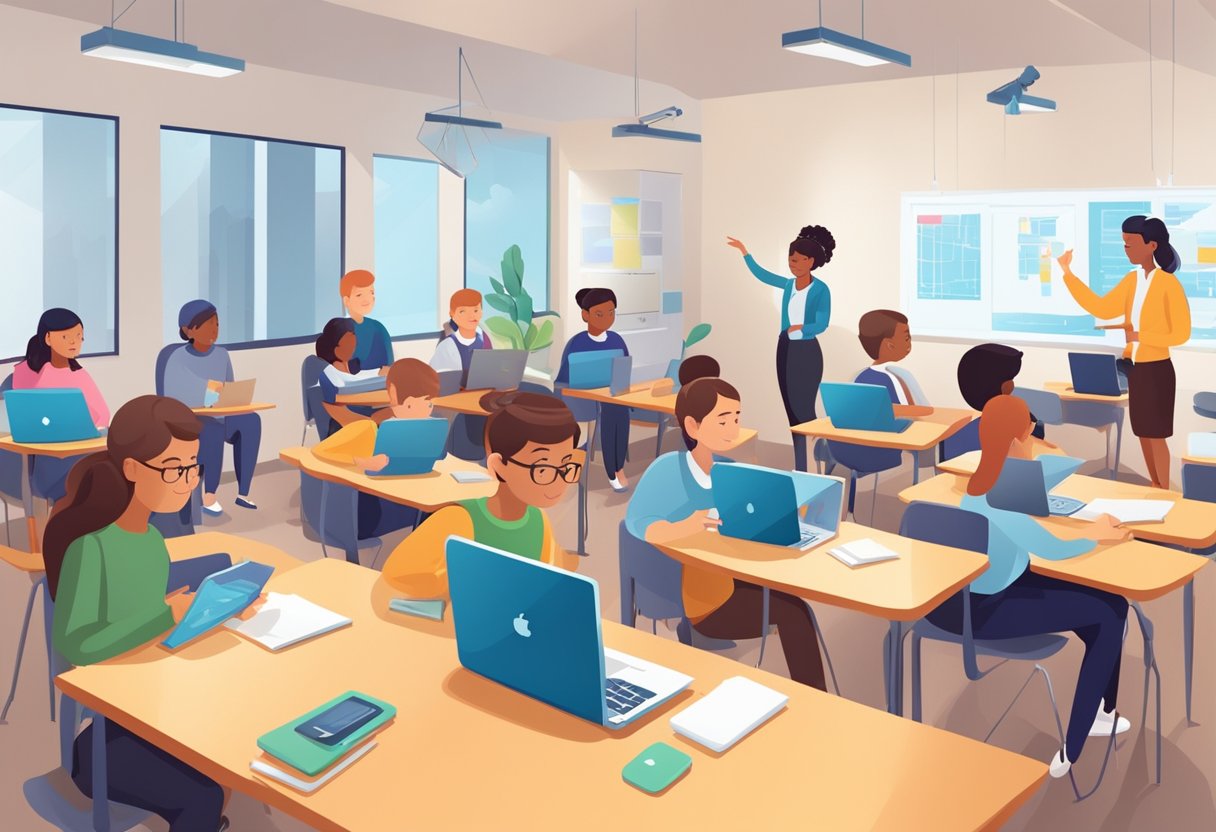
Today’s classrooms are home to a generation of digital natives—learners who have grown up in a world saturated with technology. As a modern teacher, it’s crucial to adapt your teaching methods to connect with these students effectively.
Adapting to Student Tech Proficiency
Digital Natives as Learners: Your students come into the classroom with varying degrees of tech proficiency. Adaptability is key. Use mobile devices as educational tools to cater to their strengths. You might, for example, introduce apps that reinforce maths concepts or language skills. “Technology integration in classrooms is crucial for enhancing learning experiences,” says Michelle Connolly, founder of LearningMole and educational consultant with extensive classroom experience.
Balancing Screen Time and Learning
It’s essential to strike a balance between screen time and traditional learning. While young learners might be comfortable with mobile technology, ensure that their time on devices is purposeful and enhances the learning objectives. This might look like interactive lessons requiring intense focus on a mobile device, followed by group discussions or hands-on activities. Remember, screen time should be one part of a broader, balanced curriculum.
The Role of Teachers in a Tech-Enhanced Classroom
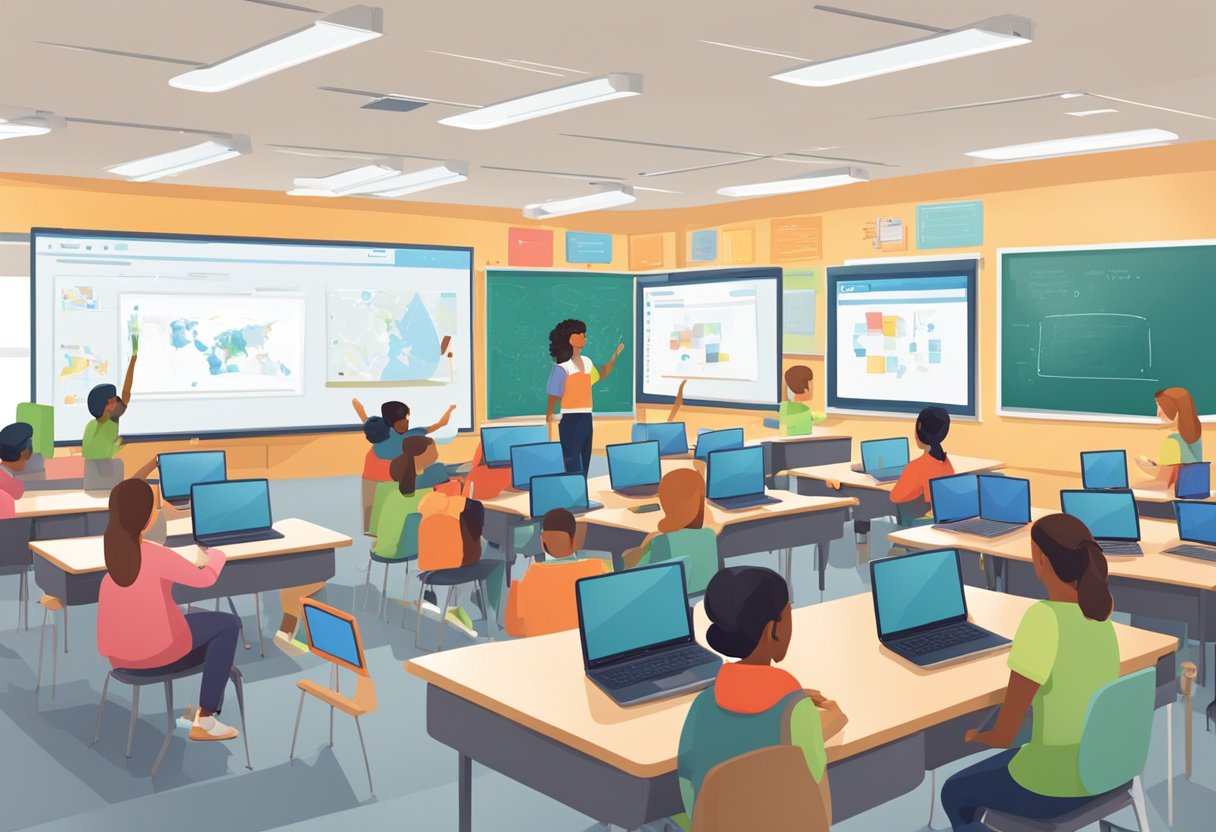
In the ever-evolving landscape of education, your role as a teacher in a tech-enhanced classroom is pivotal. Understanding how to navigate technology integration and commit to professional development is key to maximising its benefits for learning.
Facilitating Tech-Based Learning
You’re no longer just a dispenser of knowledge but a facilitator in a technology-rich classroom. You must guide students in using digital tools to enhance their learning experiences. This means designing interactive sessions where technology aids in problem-solving and critical thinking. For instance, math becomes more engaging when you use apps that visualise complex equations, and students may grasp literary themes more profoundly through multimedia presentations.
Navigating these tech tools requires a level of expertise. Michelle Connolly, a founder and educational consultant, highlights, “It’s about finding that sweet spot where technology supports education without overwhelming it.” Your goal is to integrate these tools in a way that fosters connectivity and collaboration while catering to diverse learning styles.
Continual Professional Development
Professional development is not a one-time event but a continuous journey. To keep your teaching methods current and effective, you must stay ahead of emerging educational technologies and pedagogies. Engaging in workshops, webinars, and online courses, such as those offered by LearningMole, helps you remain updated with the latest in tech integration. Each piece of the new knowledge you gain becomes a stepping stone towards enhancing your teaching and supporting your student’s digital literacy.
Keep in mind that professional development extends beyond individual growth. It’s also about collaborating with peers to create a community of practice. “Teachers dedicating time to share their successes and challenges with tech integration is incredibly valuable,” says Michelle Connolly. Your active participation not only enriches your own experience but also contributes to the collective expertise of your teaching community.
Building a Virtual Learning Environment
In today’s digital age, you have the opportunity to create engaging and interactive virtual classrooms that support and enhance learning experiences. By integrating technology effectively, you can transform your teaching practices to meet the diverse needs of your learners.
Implementing Learning Management Systems
Learning Management Systems (LMS) like Moodle are the backbone of any virtual learning environment, offering a suite of tools to manage, deliver, and track online learning. When setting up your LMS, consider the structure of your courses and how content will be organised. An intuitive layout with clearly defined sections will help learners to navigate and access materials. Make use of Moodle’s features such as forums, quizzes, and assignments to encourage interaction and assess student progress.
Leveraging Remote and Online Learning
Remote and online learning extends the classroom beyond physical boundaries. To engage students, use a mix of synchronous (live) and asynchronous (pre-recorded) sessions. This allows for flexibility and caters to different learning styles. Incorporate a variety of multimedia elements like videos, podcasts, and interactive activities to maintain a dynamic online learning experience. Virtual classrooms can be enhanced with real-time collaboration tools, enabling instant feedback and group work, which are key to maintaining a sense of community and collaboration amongst your learners.
Remember, technology is a powerful catalyst for educational growth. Use platforms like LearningMole to find resources and guidance that align with your curriculum needs. Michelle Connolly, LearningMole’s founder, emphasises, “A great virtual learning environment not only delivers content but also stimulates curiosity and fosters a collaborative learning culture.” Keep that in mind as you tailor your approach to your students’ requirements.
Advancements in Classroom Hardware

The evolution of classroom hardware has transformed the way you teach and students learn, making education a more interactive and accessible experience. Contemporary classrooms now often feature advanced computers, laptops, mobile devices, and interactive whiteboards, each playing a vital role in the educational process.
Utilising Laptops and Mobile Devices
Equipping your classroom with laptops and mobile devices unlocks a vast potential for diversified learning. With these tools, students can engage in individualised learning programmes, access online resources, and participate in interactive activities that cater to various learning styles. Laptops, in particular, offer robust computing capabilities combined with portability, which is useful for group projects and presentations.
Michelle Connolly, founder of LearningMole, highlights, “Laptops and mobile devices not only offer flexibility but also encourage students to become autonomous learners.”
Integrating Interactive Whiteboards
Interactive whiteboards have become a staple in the modern classroom. These advanced boards allow you to dynamically display lessons, videos, and interactive content, facilitating a collaborative learning atmosphere. The touch-sensitive surface enables you and your students to interact directly with the material, making lessons more engaging and effectively retaining students’ attention.
As Michelle Connolly notes, “Interactive whiteboards bridge the gap between traditional teaching methods and digital advancements, fostering an immersive learning environment.”
Evaluating and Improving Tech Integration
Integrating technology into your classroom can greatly enhance learning, but it’s important to evaluate and refine this integration periodically. This ensures technology complements teaching and fosters active engagement among students.
Gathering Feedback from School Districts
Collecting insights from various school districts can pinpoint areas where technology is either flourishing or falling short within classrooms. “It’s about understanding the unique challenges and successes each district experiences,” notes Michelle Connolly, founder of LearningMole, highlighting the importance of tailoring tech to specific educational contexts. Use structured surveys and focus groups that specifically ask about the efficacy of current tools in problem-solving and active learning. Feedback should inform both short-term adjustments and long-term strategic planning.
Adjusting Tech Use for Better Outcomes
After collecting feedback, it’s time to adjust your technological approach to maximise learning outcomes. Scrutinise how technology is currently used and identify any disconnects between tools and teaching goals. For instance, if tablets are underutilised during maths lessons, they might be repurposed to support interactive problem-solving activities that require collaboration, which has been shown to increase student engagement.
Michelle Connolly emphasises, “Adapting technology use isn’t about using more; it’s about using better to enhance the learning journey.” Regular evaluation and adjustment can foster a workforce of educators proficient in technology and ready to engage students in the learning process.
<p>The post Integrating Technology into Your Classroom: A Practical Guide for the 21st-Century Educator first appeared on LearningMole.</p>





